


Key Takeaways
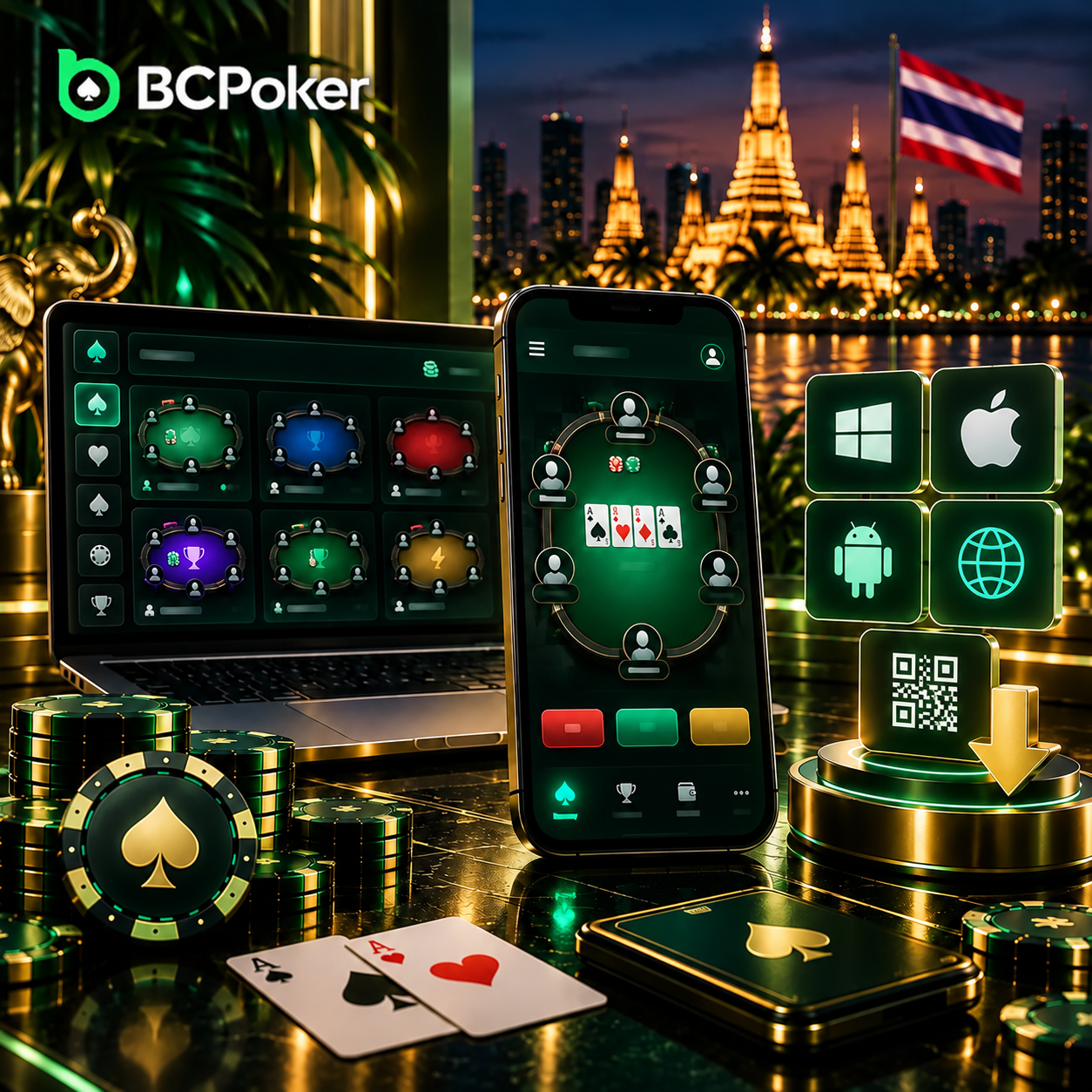
- BCPoker offers Windows, iOS, Android, browser and QR-code access.
- Android APK installation may require external-source permission.
- Users can sign in or register before entering the lobby.
- Mobile play supports portrait mode, one-handed controls and Smart Focus.
- Cash games offer flexible sessions, while tournaments follow a fixed structure.
- One account works across supported devices with synchronized account data.
Download BCPoker and find a suitable first poker table.
Choosing the Right BCPoker Version for Your Device
Start by identifying the device you plan to use. BCPoker provides separate routes for Windows, iOS and Android, plus a QR code and web access. Choosing the correct version at the beginning avoids switching between installation methods later.
For players in Thailand, the most practical option is usually the device already used for everyday online services. Desktop users can install the Windows client, while smartphone and tablet users can choose the corresponding mobile route.
iOS, Android, APK and QR Code Options
Android users can access BCPoker through Google Play or use the direct APK provided on the official download section. The APK is an alternative installation package for Android devices.
iPhone and iPad users can follow the iOS option. The QR code provides another convenient route for smartphone users: scanning it with the phone camera opens the relevant mobile download page without manually entering the address.
| Device or situation | Recommended route | Next step |
| Windows PC | Windows client | Download, install and open |
| Android phone or tablet | Google Play or APK | Install the official Android version |
| iPhone or iPad | iOS | Open the supported mobile version |
| Smartphone using QR | QR code | Scan and open the download page |
| No installation | Web version | Access BCPoker through a browser |
Installing and Opening the App for the First Time
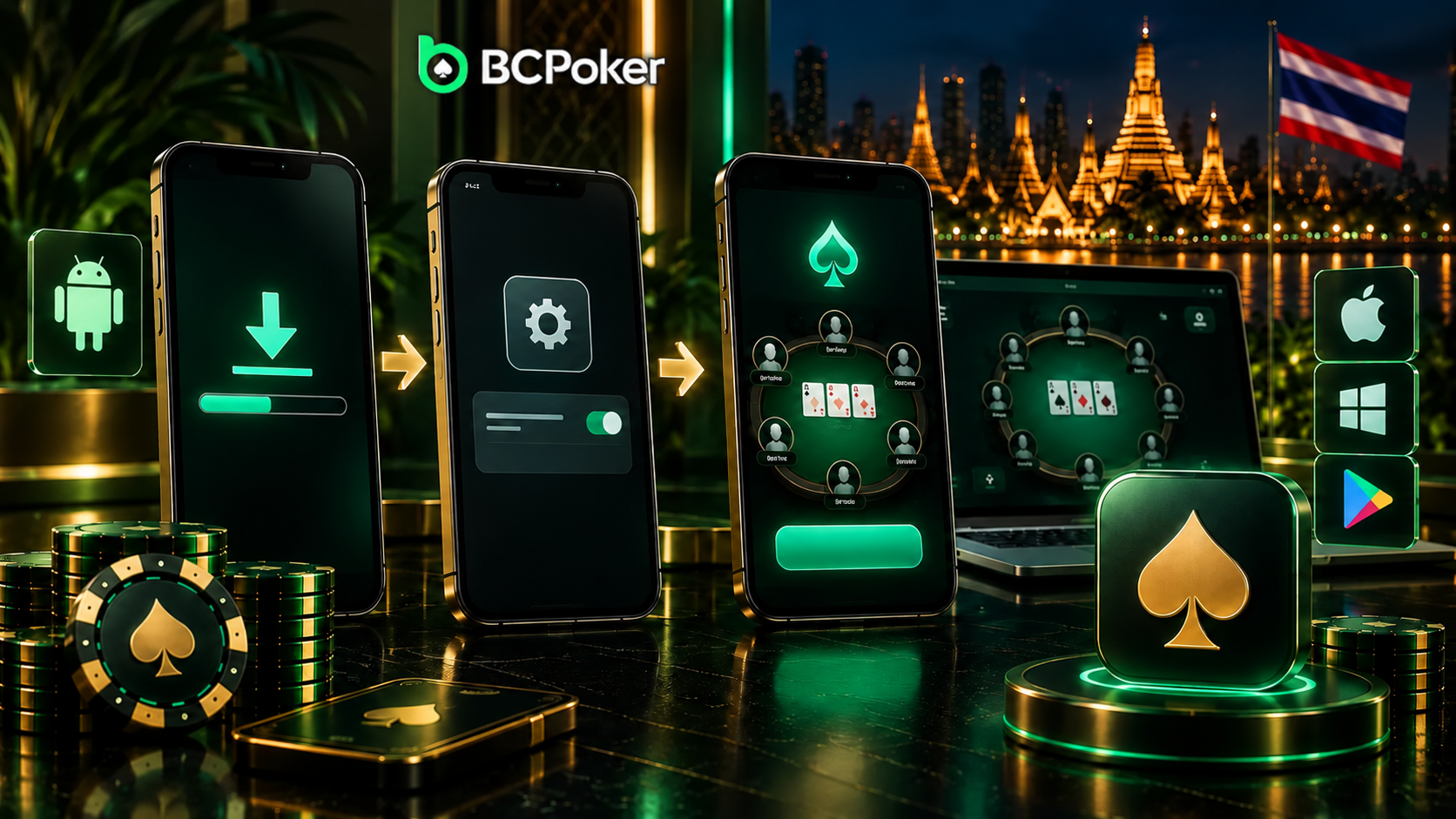
After choosing the correct version, the process moves from downloading to installation and then to the first launch. BCPoker describes the basic setup as creating an account, downloading and installing the software, and then starting a session.
For users who want to download BC Poker, it is important to use the official installation method that is compatible with their device. Once the installation is complete, open the client and get started from the home screen.
Permissions, Security Prompts and First Launch
Android users installing an APK may need to allow installation from an external source. This is a standard Android security setting and only applies when using an APK rather than a regular app-store installation.
After the application is installed, open it normally and wait for the start screen. Standard iOS, Google Play and desktop installations do not require the same APK-specific permission.
Signing In or Creating Your First Poker Account
At the start screen, existing users can enter their BCPoker credentials, while new users can choose registration and create a profile. BCPoker presents account creation as a quick initial step before accessing the poker area.
Moving from the Start Screen to the Lobby
Once authorization is complete, move to the lobby. This is where available poker formats, tables and tournaments can be reviewed before choosing the first session.
The tournament area, for example, lists current events and allows users to open their details and register when entries are available. The same principle applies to table selection: enter the lobby, compare the available choices and select an option that matches your plans.
Setting Up BCPoker for First-Time Play in Thailand
Before joining a table on a smartphone, check that the interface is easy to read and operate. BCPoker’s mobile design uses portrait orientation and places controls within reach for one-handed use, which can be practical when playing from a phone.
It is worth checking the visibility of stack and pot information before starting. Adjusting the view at this stage is easier than changing settings during an active hand.
One-Hand Controls, Table View and Smart Focus
The mobile table keeps core controls accessible for one-handed operation, while the portrait view keeps the main game information visible without requiring repeated rotation of the device.
Smart Focus is intended for multi-table sessions. When action is required, attention moves toward the table where the player needs to make a decision. BCPoker’s mobile guide states that up to four tables can be used at once.
For a first session, one table is generally easier to follow. Additional tables can be considered after the basic controls become familiar.
Finding a Suitable First Game in the Lobby
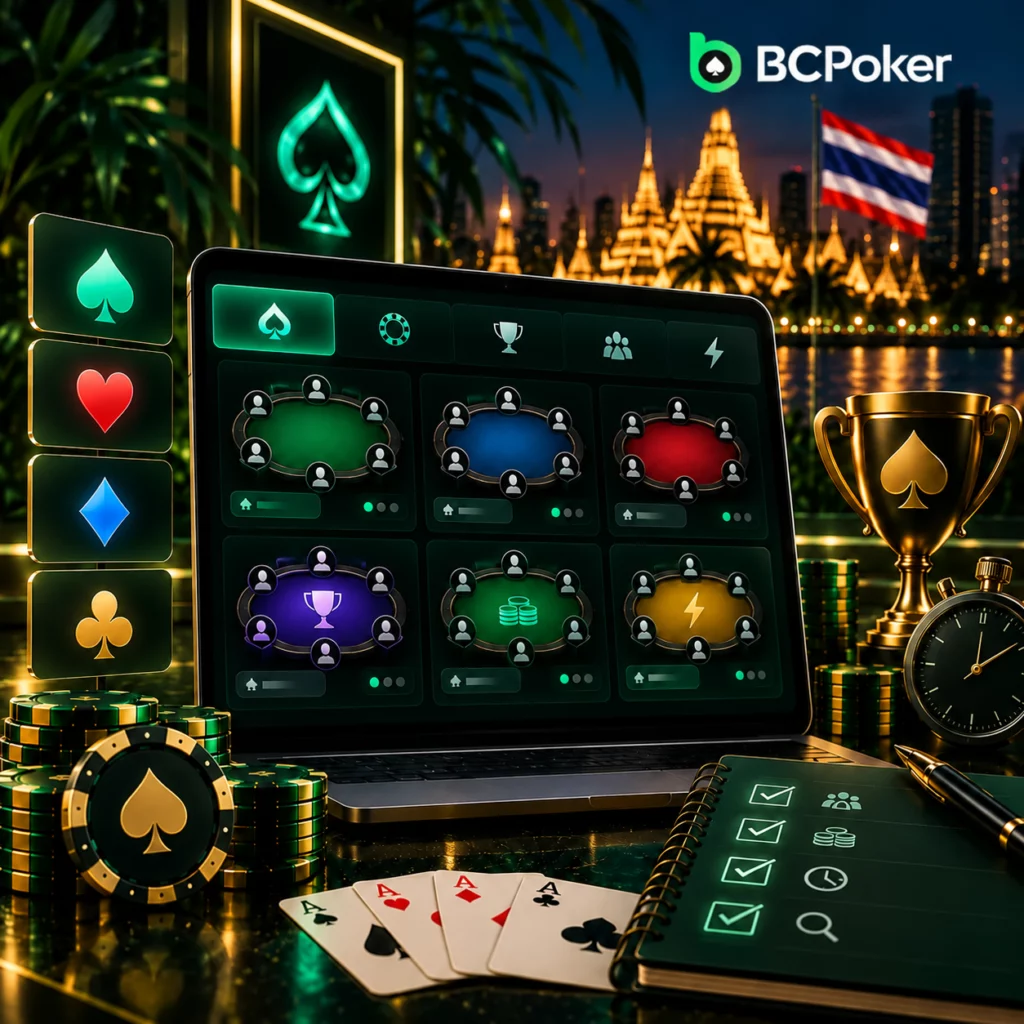
The lobby may show several game types and entry levels at the same time. Instead of choosing immediately, look at the table details and narrow the options according to how familiar you are with the format and how much time you have available.
A practical way to compare the available choices is to:
- Look at several tables or events rather than the first result.
- Check the number of occupied seats and available places.
- Compare entry amounts across similar options.
- Review the table details once more before joining.
Players who want to check available promotions before starting their first sessions can use the BCPoker bonus code and review the conditions connected with eligible offers. For users who want to get BC Poker access ready before committing to a table, the lobby provides enough information to make this comparison.
Choosing Between Cash Games and Tournaments
Cash games and tournaments differ mainly in how the session is structured. At a cash table, the player can decide when to enter and leave, while a tournament follows a scheduled event with its own progression.
BCPoker’s MTT format uses multiple tables that combine as players are eliminated, with final results determined by ranking. This makes tournament play more structured than a cash session.
For the first session, consider:
- How much uninterrupted time is available.
- Whether a scheduled start suits your routine.
- Whether you prefer an open table or a fixed event structure.
- Whether a faster format better matches a short playing window.
Checking Your Account Before the First Session
A final account check is useful immediately before entering a game. The goal is to make sure the session begins from the intended profile and that the information shown on screen matches what you expect.
Before joining, use this short checklist:
- Confirm the profile name shown on the account screen.
- Check that the displayed balance is associated with that profile.
- Make sure the intended poker section is open.
- Review the entry amount shown for the selected option.
- Confirm that the device display is comfortable to read.
This preparation takes little time and keeps the focus on the actual session rather than account corrections after entering a table.
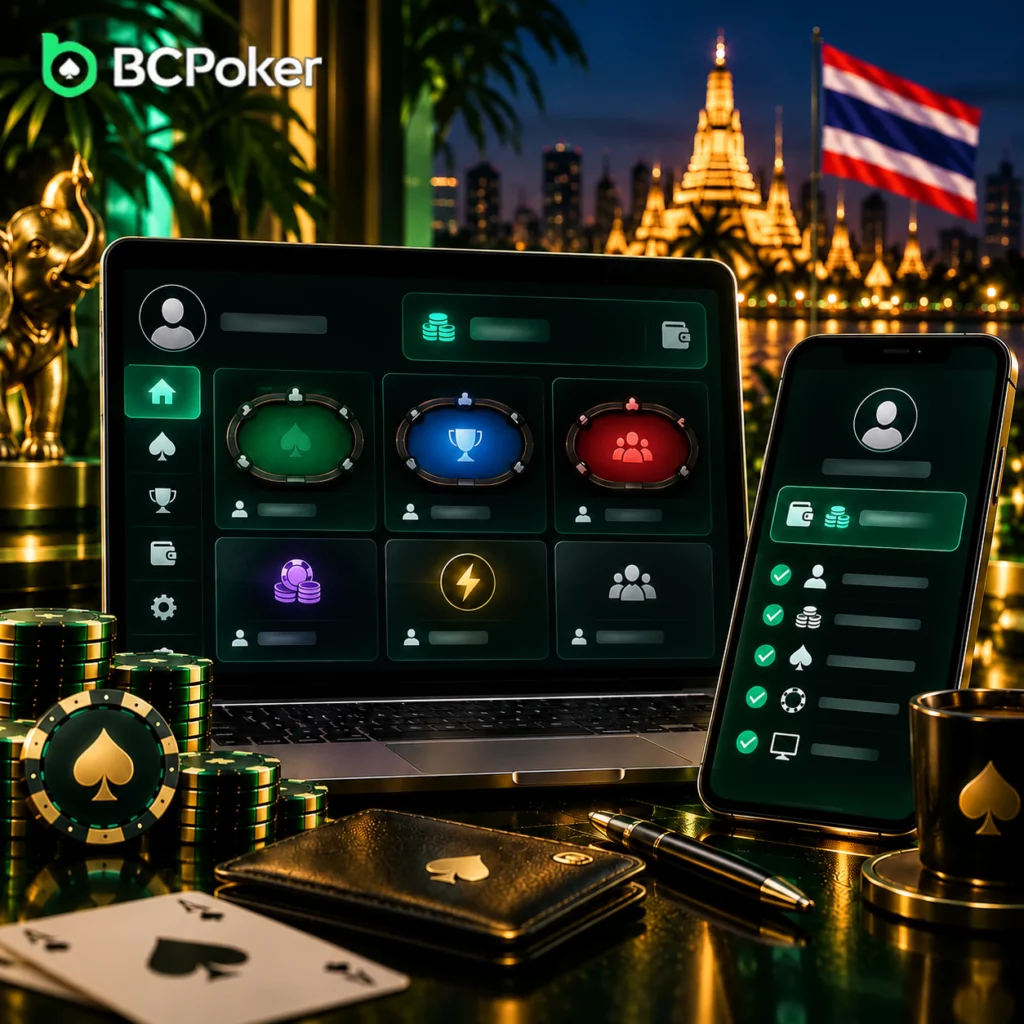
BCPoker Account Activity Across Devices in Thailand
One BCPoker account can be accessed from a computer, smartphone or tablet. Account information, wallet balance, VIP status and tournament progress remain connected when the user moves between supported devices. .
This can be useful for players in Thailand who switch between a desktop at home and a smartphone during the day. Signing into the same account allows the player to continue using the existing profile rather than creating a separate account for each device.